What Is an AI 3D Model Generator?
An AI 3D model generator is a system that processes visual references of an object to create an initial three-dimensional asset. IARONE extends this generation step with optimization, scale preparation and asset preparation, helping prepare the resulting model for web, Augmented Reality (AR), product visualization and professional 3D workflows.
What Do AI 3D, 3D AI and AI 3D Generator Mean?
In the world of AI-assisted 3D generation, terms that sound similar actually describe different scopes and levels of focus.
AI 3D Model Generator
A more specific category term describing AI systems that create three-dimensional assets from reference images or supported inputs.
AI 3D Generator / 3D AI Generator
Shorter category terms commonly used to refer to AI-powered 3D tools. Depending on context, they can describe core 3D model generation or broader 3D creation pipelines.
AI 3D / 3D AI
A broader umbrella concept covering not just initial mesh creation, but the full pipeline of AI-assisted 3D generation, asset preparation, optimization, scale preparation, and presentation.
Within this broader space, IARONE specifically focuses on AI 3D model generation from reference images and the subsequent preparation of generated assets for downstream display.
How to Go from an Image to a 3D Model?
Upload Reference Image
Use reference product images as the starting input for the 3D generation process.
Generate 3D Asset
IARONE processes visual features of the object in the reference image to build the starting 3D asset.
Prepare Model for Use
Geometry, texture, and asset structure are prepared for web, product visualization, and Augmented Reality (AR) workflows.
Deploy & Share Asset
Transfer the 3D asset to digital workflows via supported outputs including GLB, USDZ, Embed, and shareable links.
Creation Is Just the Beginning.
Building a 3D asset is only the first step of the workflow. IARONE brings together asset processing steps that prepare the generated model for diverse digital use cases in one unified pipeline.
AI 3D Model Generation
Creating the starting 3D asset from reference imagery.
Geometry & Texture Preparation
Preparing geometry, texture, and asset structure for supported digital workflows.
Real-World Scale
Estimating near-real-world proportions and preparing supported assets for placement workflows.
Preparation for Web, AR & Sharing
Preparing output formats and presentation methods for supported web, Augmented Reality (AR), and sharing workflows.
Export Your 3D Asset to Multiple Workflows.
A widely used 3D asset format for web-based 3D viewing and supported professional workflows.
A 3D format commonly used in supported Augmented Reality (AR) workflows across Apple devices.
A method for embedding supported IARONE 3D experiences into web pages.
A publishing option that allows supported 3D assets to be viewed and shared through a link.
Prepare 3D Models for Realistic Scale in Augmented Reality.
Augmented Reality (AR) allows a digital 3D object to be viewed inside a real environment through the camera of a phone or compatible device. For useful AR placement, it is not enough for the model to simply appear — its proportions should also make sense relative to the physical environment.
For supported workflows, IARONE uses the dimensions you provide or a supported reference method to prepare a generated 3D asset at real-world proportions for AR placement.
This core scale-preparation approach does not require a dedicated LiDAR scanner or separate depth sensor as a mandatory input. IARONE focuses on estimating useful asset scale from available visual and 3D asset information.
The result represents estimated real-world scale. It should not be presented as a physical measurement, millimeter-accurate output, or a replacement for professional LiDAR-based spatial scanning.
Why Does Scale Matter in Augmented Reality?
A chair, lamp or product model that appears disproportionately large or small relative to the environment reduces the usefulness of the AR experience.
Scale, ground relationship and placement behavior should be prepared before presenting a 3D asset in AR.
IARONE's scale-preparation workflow does not position dedicated LiDAR or depth hardware as a mandatory product input.
What Are LiDAR and Depth Sensors?
LiDAR and depth sensors are hardware technologies that help a device measure distance and depth information in the surrounding physical environment. They can be useful in advanced Augmented Reality (AR) and spatial-scanning applications, but dedicated LiDAR or depth hardware is not a mandatory requirement for IARONE's scale-preparation workflow.
REAL-WORLD SCALE PREPARATION
Helps estimate the approximate real-world size and proportions of a supported 3D asset.
NEAR-REAL-WORLD PROPORTIONS
Helps prepare the model to appear at more meaningful proportions relative to its surroundings in AR.
AUGMENTED REALITY (AR) PRESENTATION
Prepares supported 3D assets for presentation inside real environments on compatible devices and browsers.
NO DEDICATED LiDAR REQUIRED FOR THE CORE WORKFLOW
IARONE's scale-preparation approach does not require dedicated LiDAR or depth hardware as a mandatory input.
Use AI 3D Generation in Diverse Workflows.
E-Commerce & Brands
Transform your product catalog into digital 3D assets.
Furniture & Interiors
Prepare furniture designs for AR spatial placement.
Fashion, Footwear & Accessories
Showcase apparel, shoes, and fashion products in 3D.
Jewelry & Watches
Present intricate product details in high-resolution 3D.
Agencies, Designers & 3D Studios
Accelerate 3D asset creation for client projects.
What Does the IARONE AI 3D Workflow Bring Together?
From Image to Prepared 3D Asset
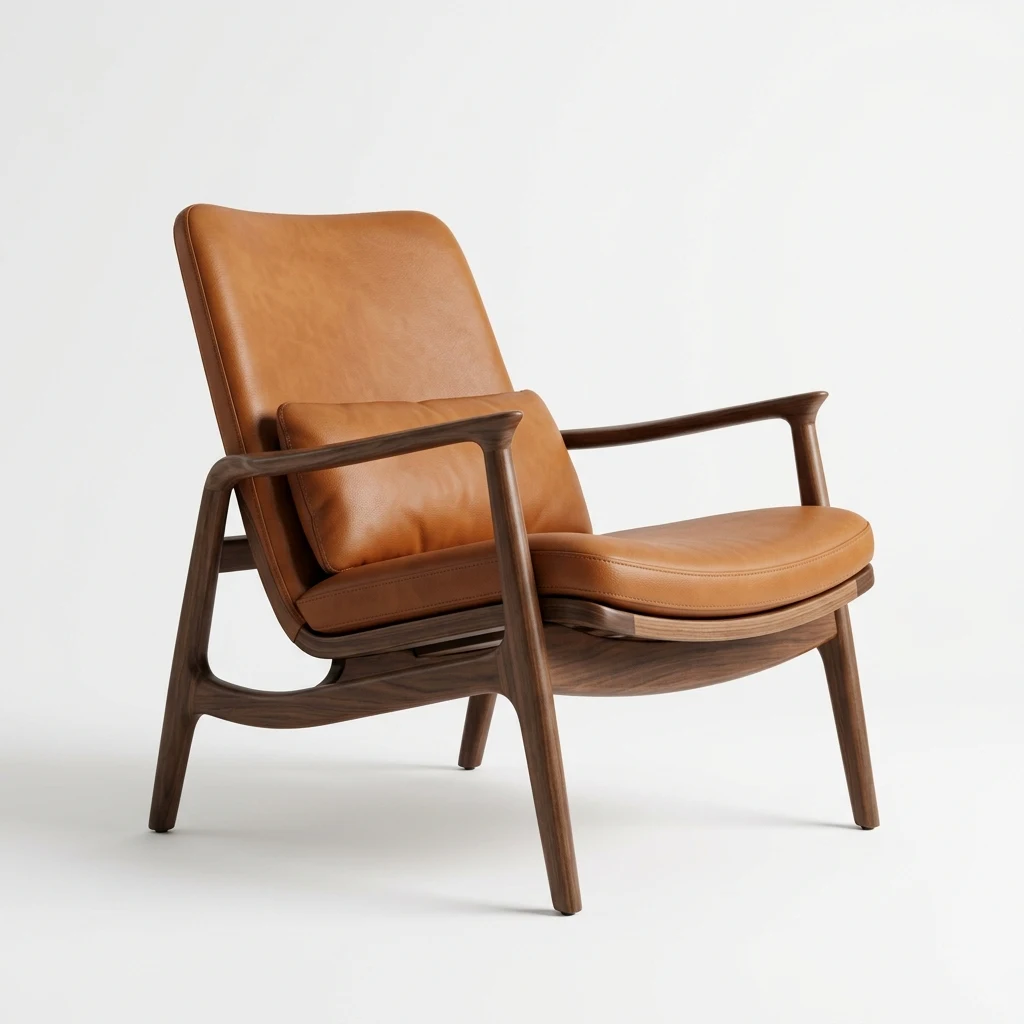
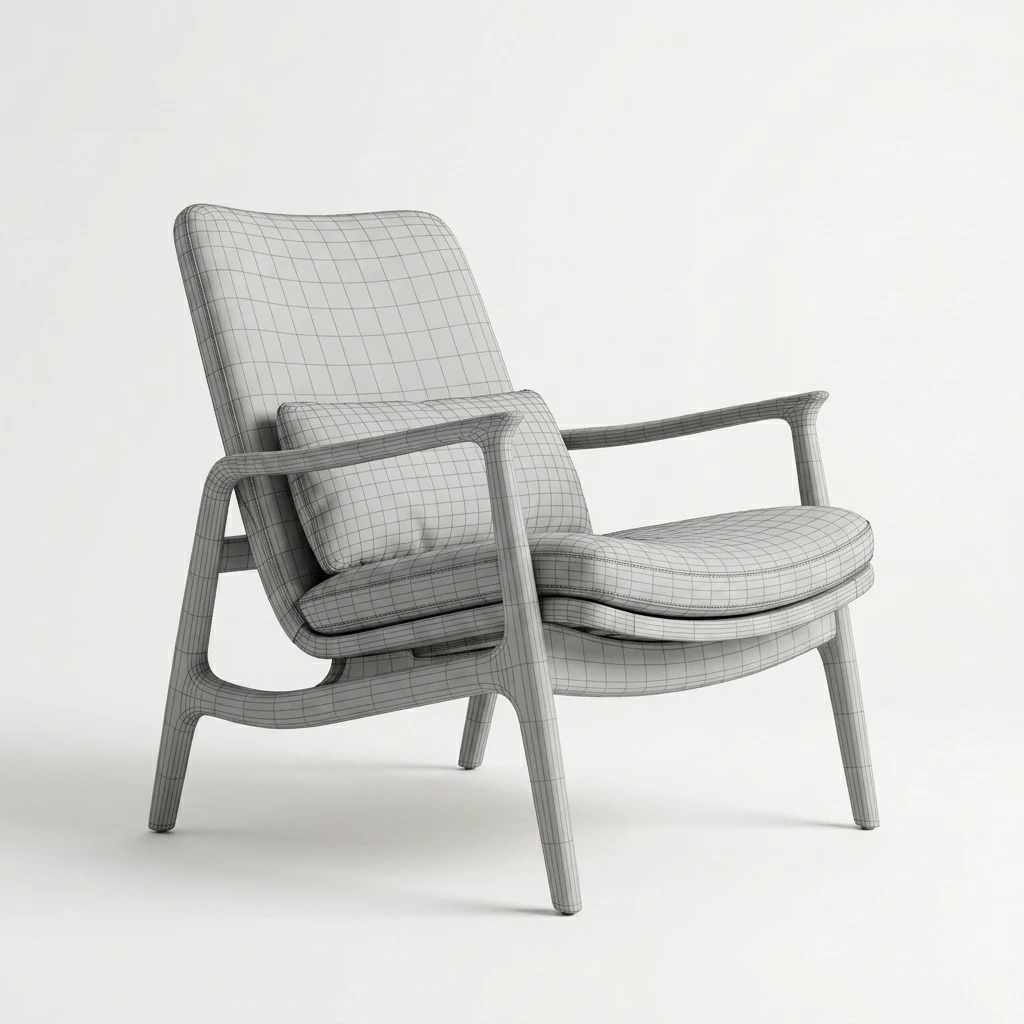
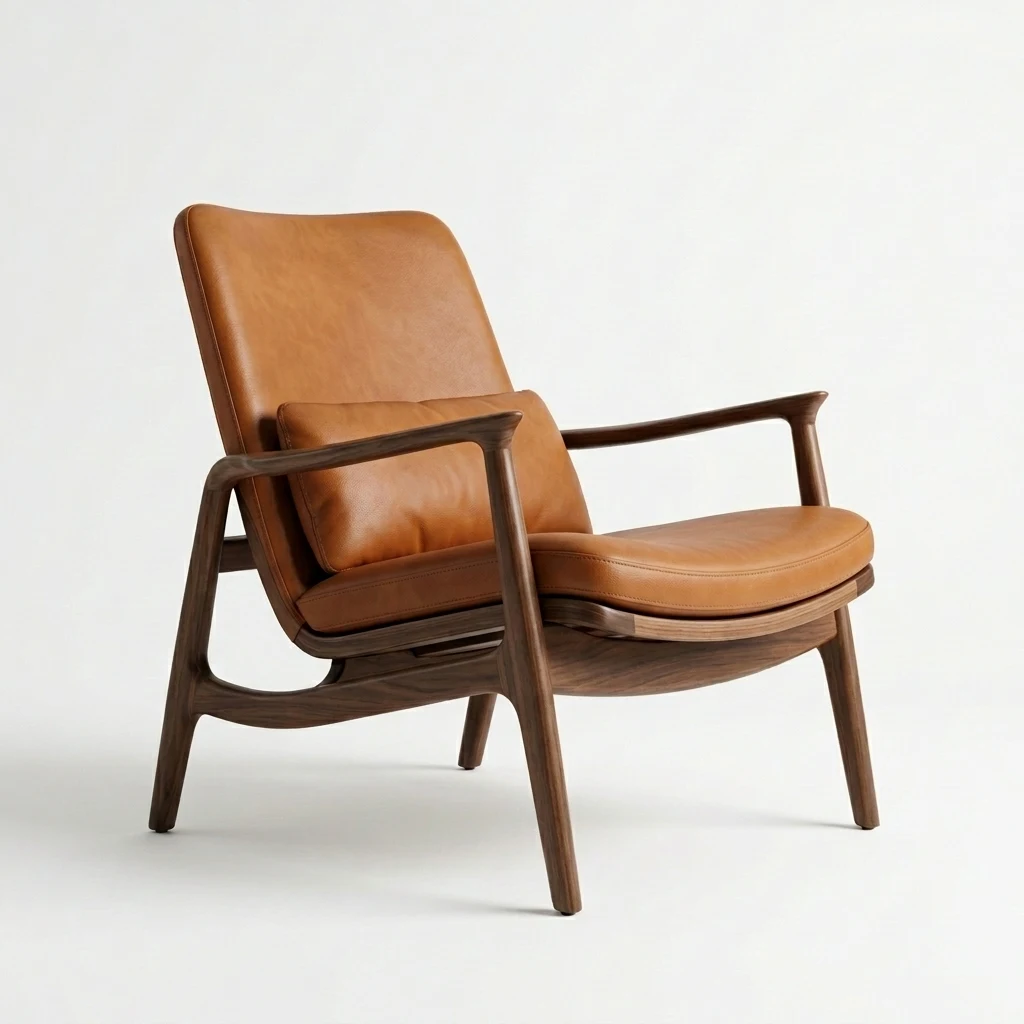
Example workflow transformation
For a broader explanation of 3D model structure, geometry, materials and file formats, see the 3D Model Guide .
Frequently Asked Questions
What is an AI 3D model generator?
An AI 3D model generator is a system that processes visual references of an object to create an initial three-dimensional asset.
Can I create a 3D model from a product image?
Yes. You can upload reference images of your products or objects to the platform and benefit from AI-powered 3D model generation and optimization workflows.
Which 3D output formats does IARONE support?
IARONE supports GLB for universal web viewing, USDZ for Apple AR experiences, and Embed / shareable link options for web integration.
Can I use the generated 3D model on the web or in Augmented Reality (AR) experiences?
Yes. Generated 3D assets can be presented on web pages using embedded viewers and on compatible mobile devices for Augmented Reality (AR) placement.
Is LiDAR or a depth sensor required to size a 3D model correctly in Augmented Reality (AR)?
Dedicated LiDAR or depth hardware is not required for IARONE's scale-preparation workflow. IARONE uses the dimensions you declare or a supported reference method to prepare the model at real-world proportions for AR placement. When no dimensions are declared the scale is reported as unknown, and this preparation does not replace physical measurement or a millimeter-accurate LiDAR scan.
Start Turning Your Image into a 3D Asset.
Upload a reference image and begin the AI-powered 3D generation workflow.
Generate 3D Model